Free, no sign-up, runs in your browser
Pose any skin. Export it in seconds.
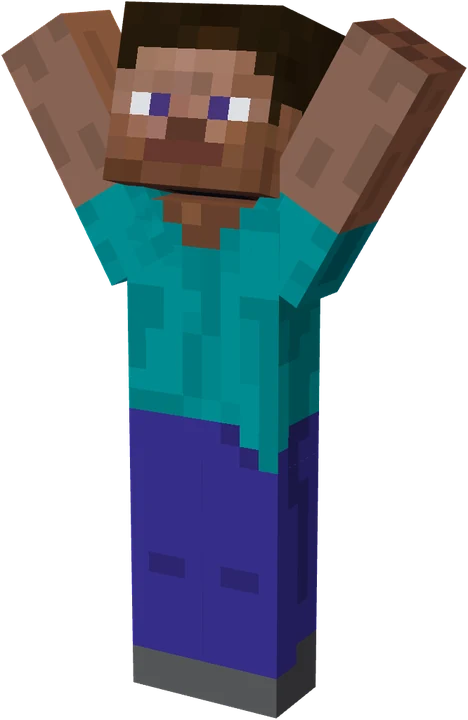
The Minecraft pose maker with 47 ready poses, imported item textures, coloured lights and animation. Download a transparent PNG, a GIF or a thumbnail.
No username? Open the editor and upload a skin PNG.
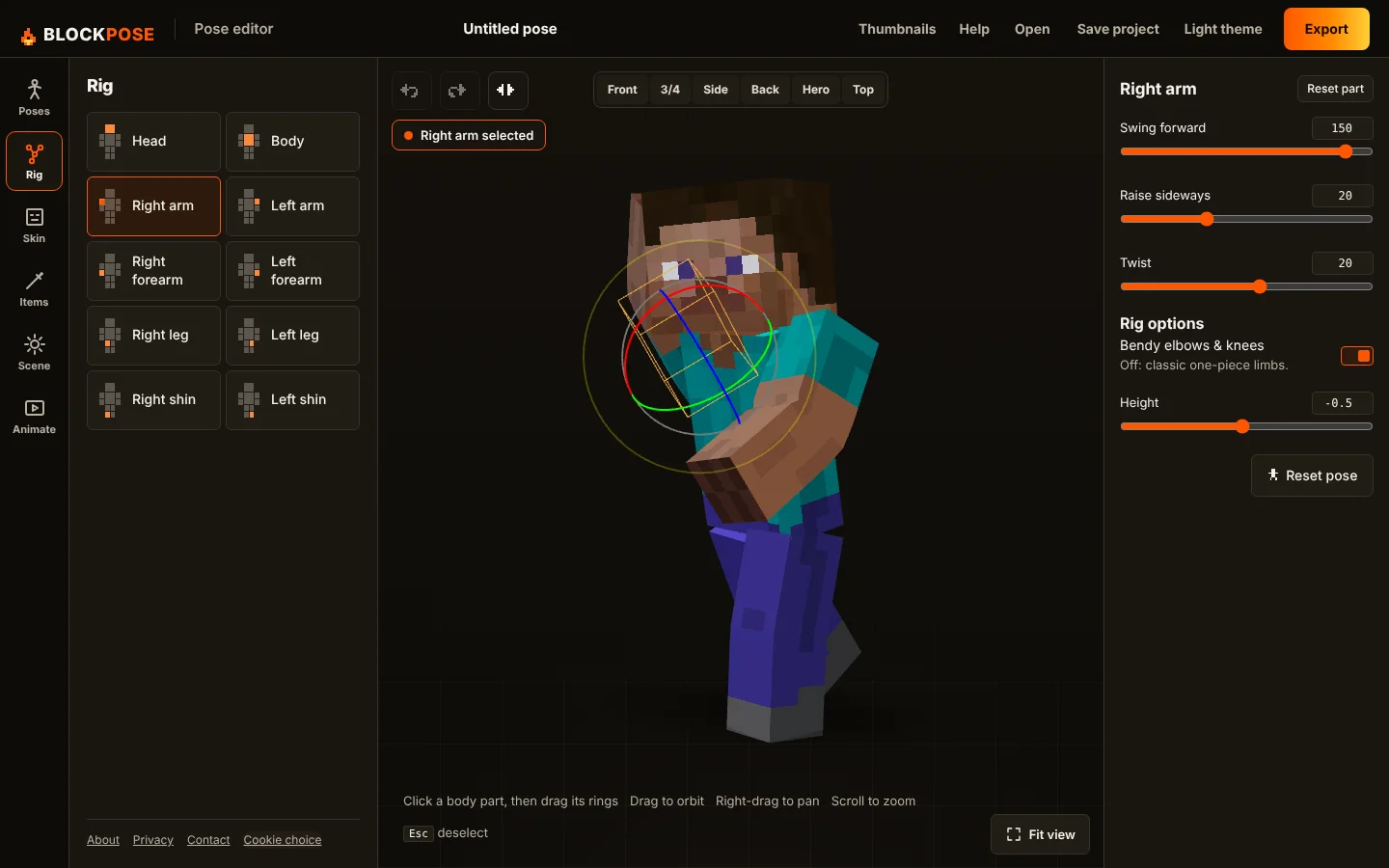
One canvas. Tools open when you need them.
Three steps
- Load a skin.Type a Java username or upload a PNG. Slim arms are detected for you.
- Pose it.Start from a preset, then drag any joint. Add a sword, a block or your own PNG to a hand.
- Export it.Download a PNG, JPG, WebP, GIF or WebM, or send it to the thumbnail maker.
Everything the editor does
Rig controls
Head, torso, arms and legs, plus bendy elbows and knees. Drag the rings or use sliders, then mirror, undo and reset.
47 poses
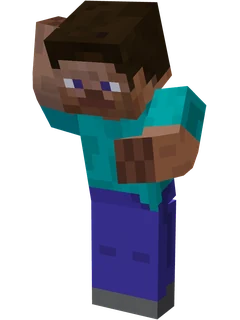
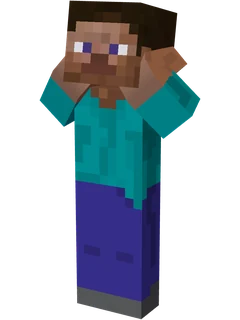
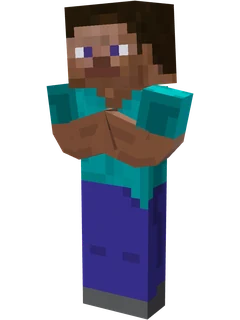
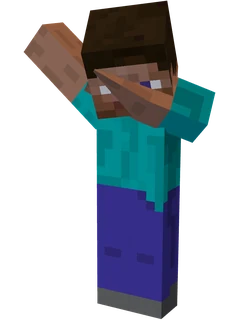
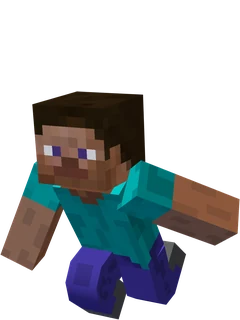
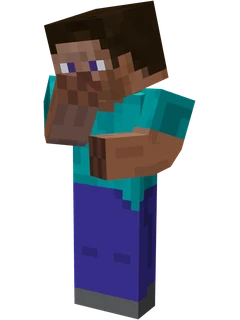
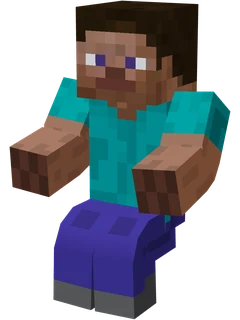
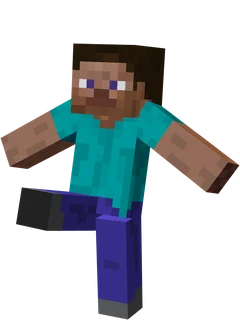
Reactions, action and casual poses to start from. Save your own and keep them in the browser.
Item textures
Import any Minecraft item texture, from the default 16×16 up to resource-pack sizes, and it becomes a 3D item in either hand.
Scene and lights
Eight lighting looks, camera views and framing, ground shadows, and up to four extra coloured lights.
Animation
Add keyframes on a timeline, preview the motion, and export a looping GIF or a WebM video.
Thumbnail maker
Layouts, outlined text, arrows and badges. Bring your posed character in and download 1280×720.
Project files
Save everything, including skin, pose, items, lights and animation, to a .blockpose file and open it later.
Share links
Copy a link that opens the same pose, and the same skin if you loaded it by username.
Export formats
Start from a pose
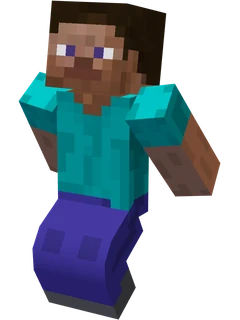
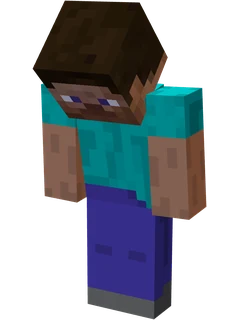
Click a pose to open it in the editor. You can change every joint after.
Questions
Is Blockpose free?
Yes. The pose editor and the thumbnail maker are free, with no sign-up and no watermark. Ads help pay for the site.
Can I use my own Minecraft skin?
Yes. Type a Java Edition username to load that player’s skin, or upload any 64×64 or legacy 64×32 skin PNG.
Is my skin uploaded anywhere?
No. Uploaded skins are read in your browser and never sent to a server. Username lookups fetch the public skin for that name. See the privacy policy.
How do I make an animated GIF?
Open the Animate tool, add a keyframe, change the pose, move the playhead and add another. Press Play to preview, then choose Export GIF or Export WebM.
Can I use the images in YouTube thumbnails?
Yes. Export a transparent PNG for your own editor, or use the thumbnail maker to add a background and text and download a 1280×720 image.
Can I save my work and come back to it?
Yes. Choose Save in the editor to download a .blockpose file with your skin, pose, items, lights and animation. Choose Open to load it again.
Does it work on a phone?
Yes. The editor works in modern mobile browsers. Exports on phones are limited to 2048 pixels to save memory.
Does it work with Bedrock skins?
Username lookup uses Java Edition names. For a Bedrock skin, save it as a PNG and upload it.