Get a Minecraft skin by username
type a Minecraft Java username into Blockpose and it loads that player's current skin, ready to pose and export.
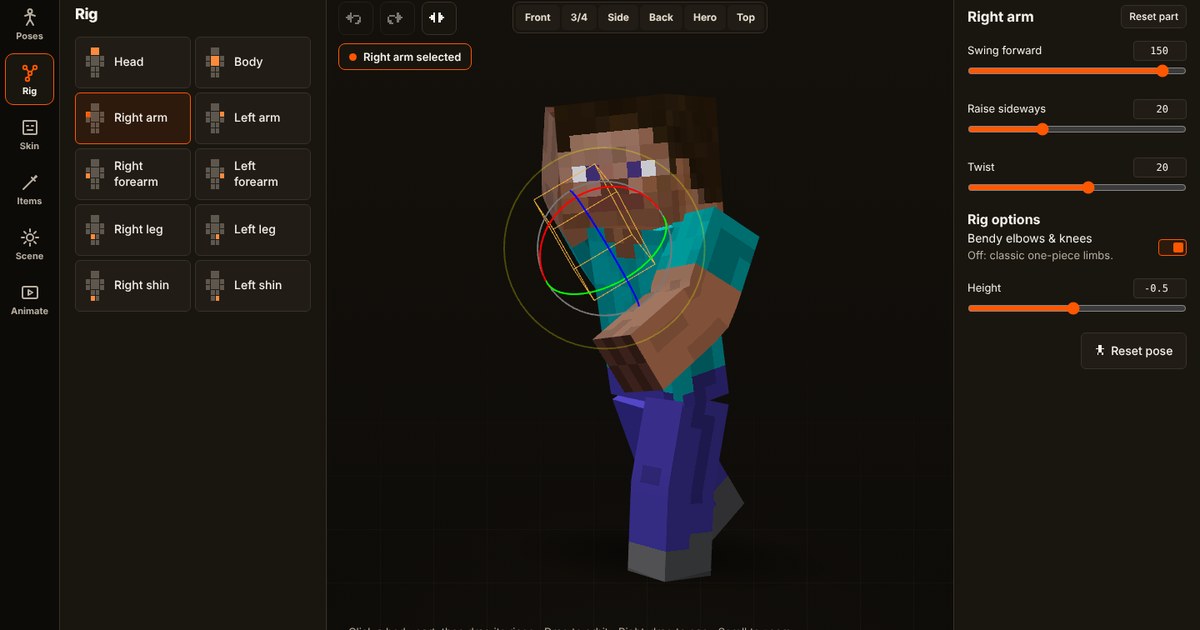
How to grab a skin
- Open the editor and find the username box in the skin section.
- Type the exact Minecraft Java Edition username. Names are 3 to 16 characters, using letters, numbers and underscores. Capital letters do not matter.
- Press the search button. The skin loads onto the 3D character within a moment.
- Pose it, then capture a PNG.
Good to know
- Java usernames only. Bedrock gamertags are not looked up. If you play on Bedrock, export your skin file and upload it instead.
- Players without a custom skin. If a player has never set a skin, there is nothing to load and Blockpose says so, or you may see a default character.
- Arm width. Blockpose picks classic or slim arms from the skin. If it guesses wrong, choose the arm width by hand.
- Skins change. Players can switch skins at any time, so a search shows the skin they use now.
- Be respectful. A skin is someone's work. Ask before using another person's skin in something you publish, and give credit where it makes sense.
Prefer to upload?
If you have the skin file already, upload the 64×64 PNG directly. Nothing is sent to the server for uploads.
Related: how to pose a Minecraft skin and make a thumbnail with a transparent background.
Try the tools
3D
Pose editor
47 poses, camera views, lighting, outlines and glow. Export a cutout or any size.
Start posing → 2DThumbnail maker
Add your character, bold text, arrows and badges, then download 1280×720.
Make a thumbnail → SkinsSkin by username
Type a Java Edition username and the skin loads straight into the editor.
How it works →